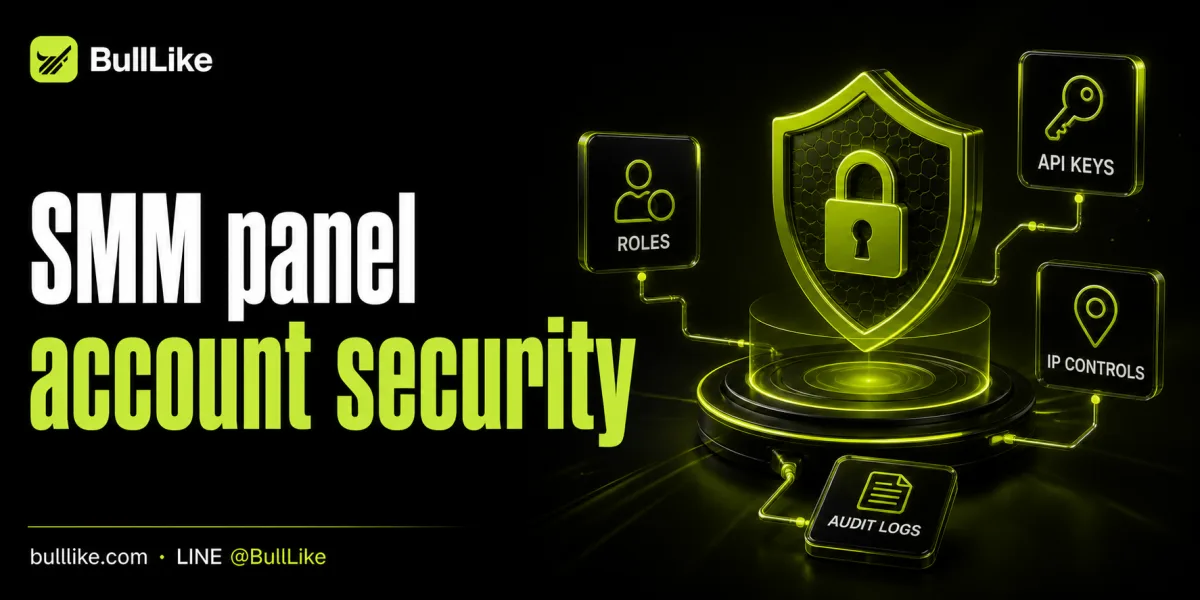
SMM Panel Account Security: Roles, API Keys, IP Controls, and Audit Logs
An SMM panel account can hold balance, client targets, order history, API credentials, and operational access across many platforms. A stolen password is not the only risk. Shared administrator accounts, exposed API keys, forgotten contractors, unrestricted source IPs, and missing logs can turn a small mistake into unauthorized orders or a long investigation.
Strong SMM panel account security starts by reducing who and what can act. It then makes important actions attributable and gives the team a tested way to revoke access quickly. The goal is not maximum friction. It is controlled access that matches each person's job and each system's purpose.
The core controls are least-privilege roles, protected API keys, narrow IP rules, useful audit logs, and a rehearsed incident process.
Build SMM Panel Account Security With Roles
Avoid giving every team member the same administrator login. Shared credentials remove accountability and make offboarding difficult. Create individual identities when the panel supports them, then assign the smallest permission set required for each task.
A practical role model may separate an owner, operations user, support user, finance reviewer, and developer integration. The owner controls billing, security settings, and role assignment. Operations can create and monitor orders without managing users. Support can read order status without placing large orders. Finance can inspect balance and transactions without changing API settings. Developers use scoped integration credentials instead of a permanent human owner session.
The exact role names matter less than the boundaries. Someone answering status questions should not need authority to rotate a master API key. A developer testing one connection should not need access to all client data and billing controls.
Keep recovery authority with a small trusted group, but reserve owner access for administrative work. Review access after team changes and on a fixed schedule. Remove dormant users, former contractors, old devices, and permissions granted for completed projects.
Document who approved every privileged role and when it expires. Temporary access should end automatically or appear in an access-review queue before it becomes permanent by accident.
Protect and Rotate API Keys
Treat an API key like a password that can place orders automatically. Never put it in public source code, screenshots, tickets, chat messages, spreadsheets, or client-side browser code. Store production keys in environment variables or a secret manager and restrict who can read them.
Use separate keys for separate applications or environments when supported. A staging integration should not share the production credential. An agency storefront and an internal reporting script should not depend on one key when they have different risk and revocation needs.
Maintain a key inventory containing the owner, purpose, creation date, last rotation date, environment, and expected source IP. Do not copy the secret into the inventory. The document exists to show what will break when a key is revoked.
Rotate credentials after staff departures, repository or device exposure, unexpected activity, or integration ownership changes. Rehearse planned rotation so the team can replace a key without prolonged downtime.
A safe sequence creates the replacement, stores it in the approved secret location, deploys it, verifies authorized requests, revokes the old key, monitors failures, and updates the inventory. If only one active key is allowed, use a controlled maintenance window with a tested rollback path.
SMM panel account security depends on revocation being practical. A key that cannot be replaced safely tends to remain active long after its risk is known.
Restrict IPs and Protect Human Sessions
IP allowlisting limits where API requests or administrative access can originate. It does not replace secure keys, but it reduces the usefulness of a stolen credential when the attacker is outside the approved network.
Use stable outbound addresses for production integrations when possible. Document them and alert on unexpected changes. Keep allowlists narrow. Avoid permitting an entire hosting-provider range when one application uses one fixed address. Remove old entries after migrations, office moves, and vendor changes.
If administrators work from changing home or mobile networks, route sensitive access through an approved private network rather than repeatedly opening broad address ranges.
Enable multi-factor authentication when available. Prefer an authenticator or hardware-backed method over recovery codes stored beside the password. Keep recovery material in a controlled location and test recovery before an emergency.
Protect the endpoint as well. Use device encryption, screen locking, updated browsers, and separate browser profiles for sensitive operations. End remote-support sessions after the task and hide balances, client links, API keys, and saved passwords before sharing a screen.
Review active sessions and trusted devices. Revoke sessions after lost equipment, offboarding, suspicious login alerts, or shared-computer use.
Use Audit Logs and Prepare Incident Response
Audit logs should answer who did what, when, from where, and to which object. Important events include login success and failure, role changes, API key creation and revocation, IP allowlist edits, order submission, balance changes, cancellations, and security-setting updates.
Export or centralize logs when possible. An attacker controlling the account may also try to remove local evidence. Restrict log access because records can contain client targets and operational details.
Alert on high-risk patterns: a new administrator, a key created outside a maintenance window, login from an unexpected region, repeated authentication failures, sudden order-volume growth, or API traffic from an unapproved IP.
Decide how long logs are retained, who reviews alerts, and how an event becomes an incident ticket. Test the record by performing a known change and verifying that actor, time, source, old value, and new value appear.
Prepare a response sequence. Pause automated ordering when unauthorized activity may continue. Preserve evidence. Revoke suspicious sessions and keys. Reset passwords. Remove unknown users and IP entries. Review balance, orders, and targets. Contact provider support through a verified route. Restore integrations with new credentials and document the cause.
BullLike provides 24/7 live support, giving account owners a route when provider-side activity needs investigation. The internal team should still preserve its own evidence and contain exposed access immediately rather than waiting for support to begin.
Bottom Line
Effective SMM panel account security combines individual roles, protected and rotated API keys, narrow IP controls, strong sessions, monitored logs, and rehearsed response. Review access regularly and test recovery. The safest account is not the one with the longest password alone. It is the one where authority is limited, secrets are controlled, changes are visible, and recovery is ready.